Set projects to default to non-billable
Hi all!
I recently added the ability to mark shifts as billable and non-billable, making it easier to work out how much time you spend on administration or other tasks whose costs might not be passed on to the clients. I’ve received a number of requests to add a setting to projects that makes all shifts clocked against those projects automatically set to non-billable.
Well, the update has just been pushed!
As this is an advanced setting, you’ll need to select the more option when creating or updating a project.
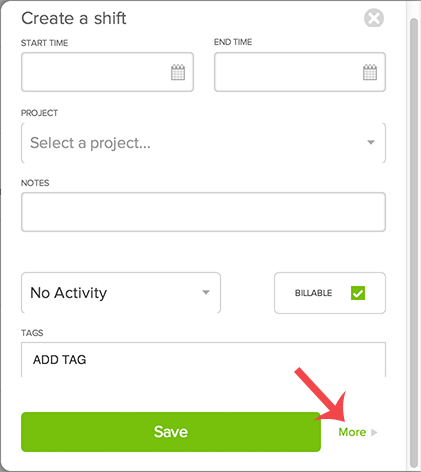
Then, you can check or uncheck the Make shifts billable by default checkbox.
When deselected, shifts will automatically be marked as non-billable. If you do need to mark a shift billable, you can do that by clicking the Billable checkbox on the main project page (once you have punched in to the project, of course).
Happy time tracking!